> For the complete documentation index, see [llms.txt](https://docs.ethsign.xyz/llms.txt). Markdown versions of documentation pages are available by appending `.md` to page URLs; this page is available as [Markdown](https://docs.ethsign.xyz/product-overview/send-and-sign-contracts/upload-contract-or-select-from-template.md).
# Upload Contract or Select from Template Library
Upload your unsigned document or select from our contract template library.
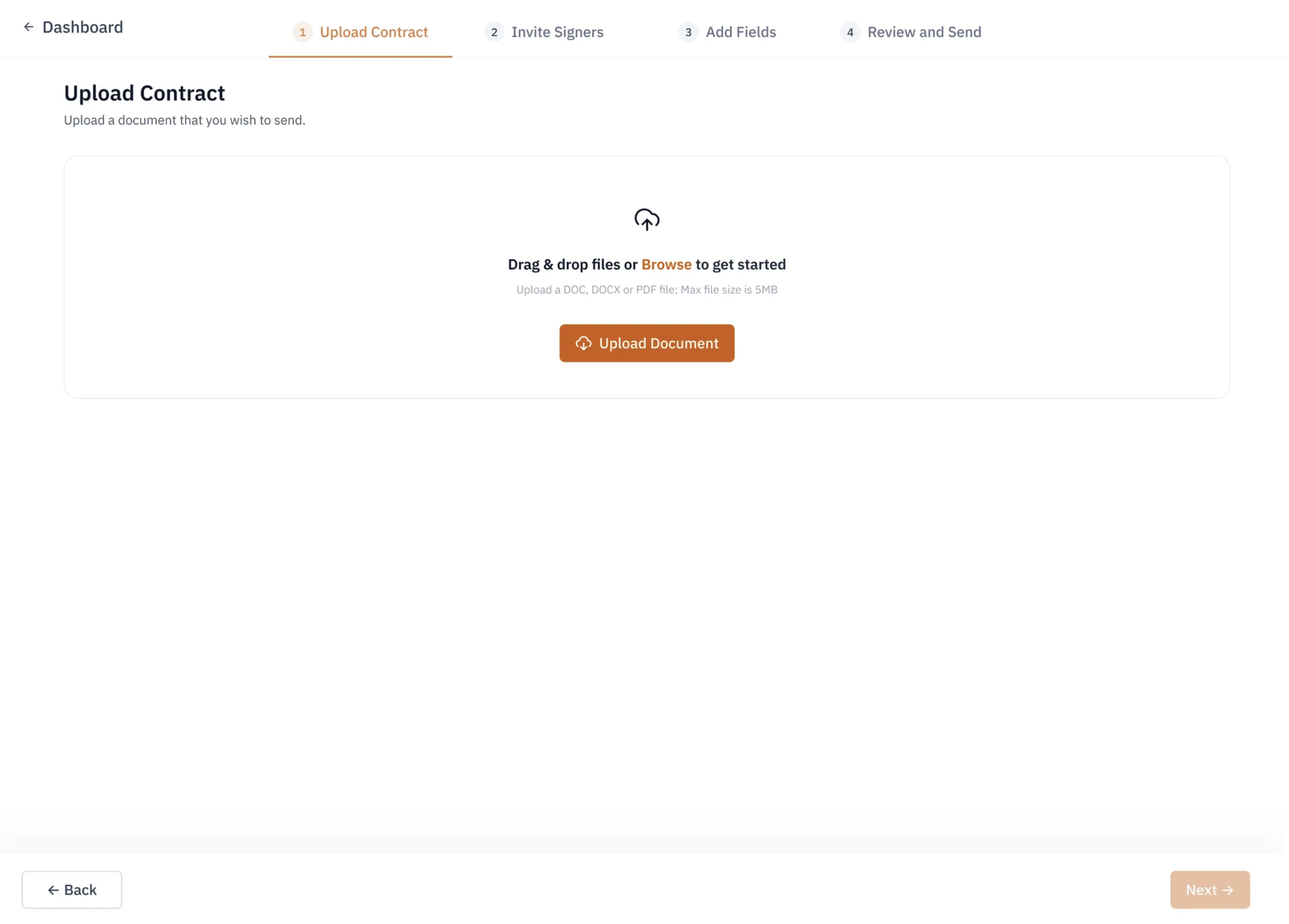
### Upload Contract
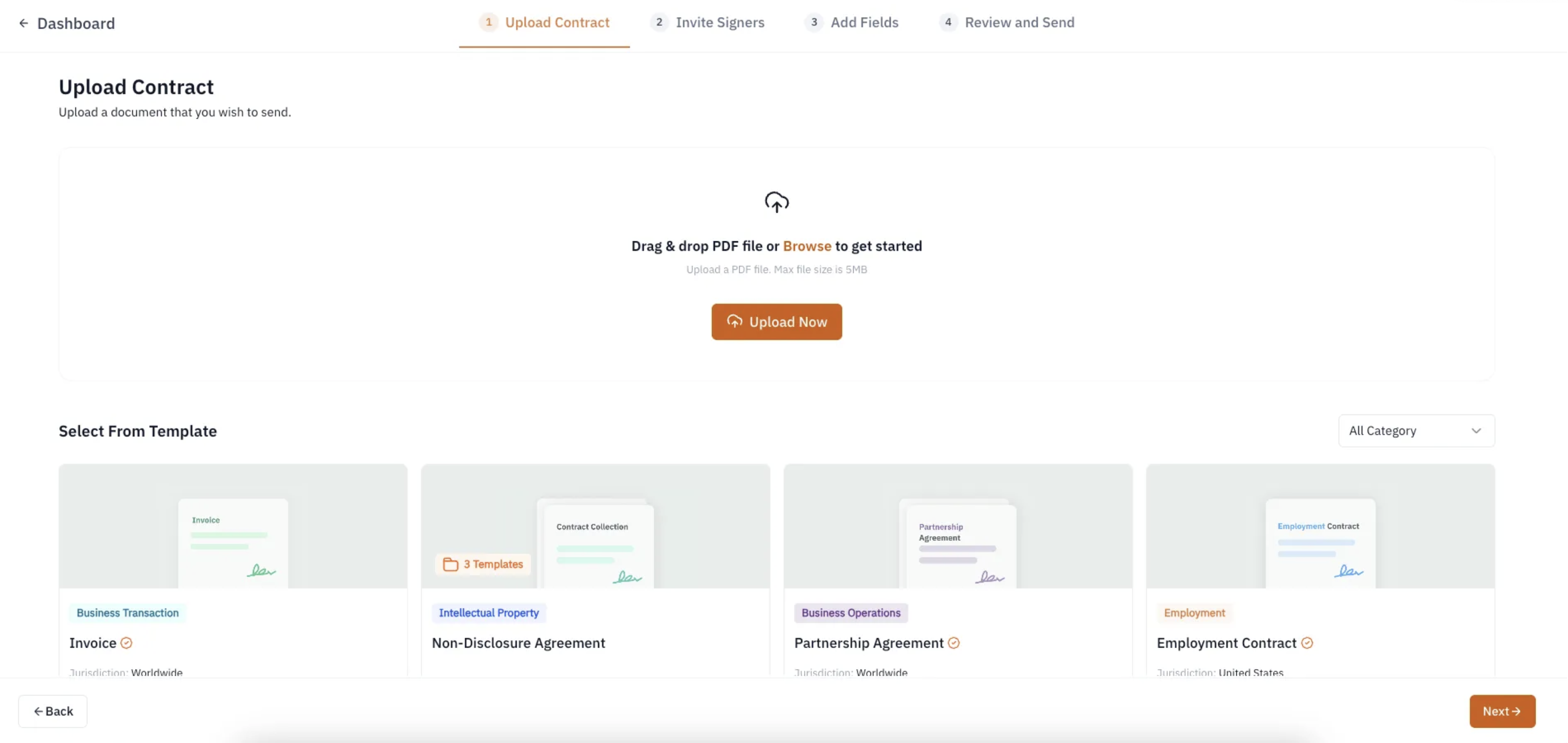
Click the "Create New Contract" button on your dashboard and select a file, or drag and drop your unsigned PDF into the upload field. EthSign currently only supports PDF files up to 5MB.
### Select from Template Library
You can also choose a contract from our template library, which cover a wide range of categories, including intellectual property, business operations and transactions, and employment.