> For the complete documentation index, see [llms.txt](https://docs.ethsign.xyz/llms.txt). Markdown versions of documentation pages are available by appending `.md` to page URLs; this page is available as [Markdown](https://docs.ethsign.xyz/product-overview/send-and-sign-contracts/sign-contracts.md).
# Sign Contracts
Capture consent with your Web3 identity.
### Sign Your Contract
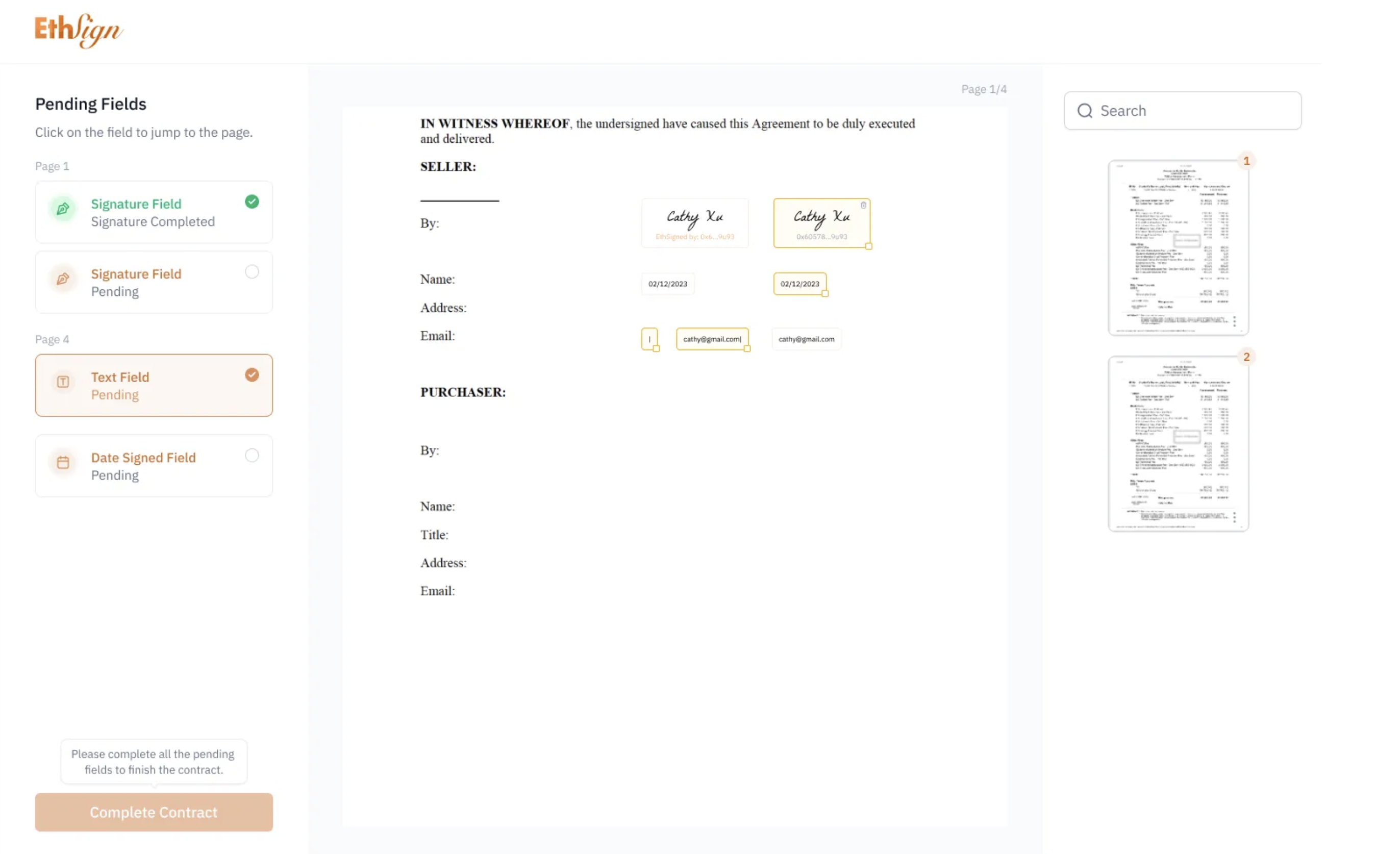
If you designated yourself as a Signer, sign and fill in the date and text fields. EthSign supports custom signature styles. You can draw, type, or upload your signature.
### Review and Sign as a Recipient
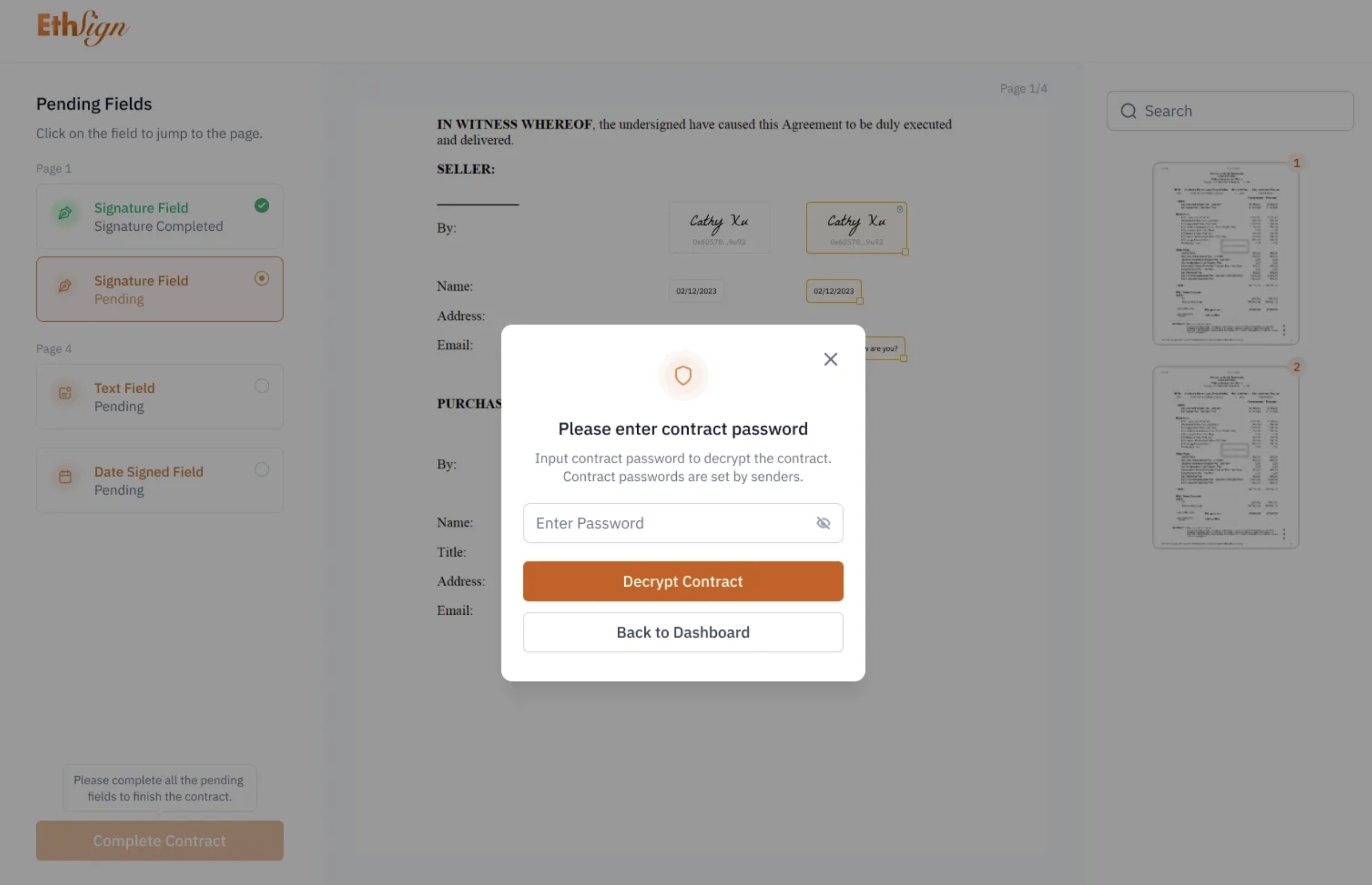
Recipient Signers can input the contract's password, review the contract with ease, and then fill in the required fields. Enable email and Telegram notifications in [Settings](/product-overview/send-and-sign-contracts/settings.md) to be alerted when you have a document to review.